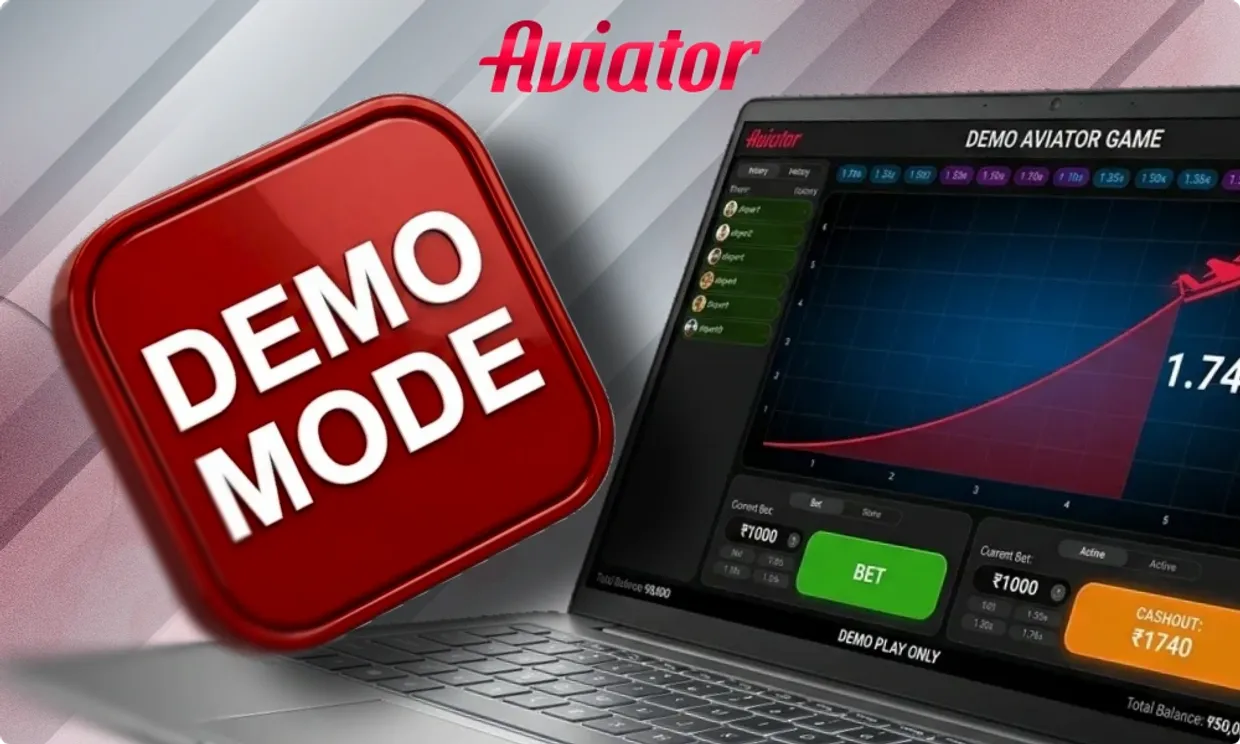
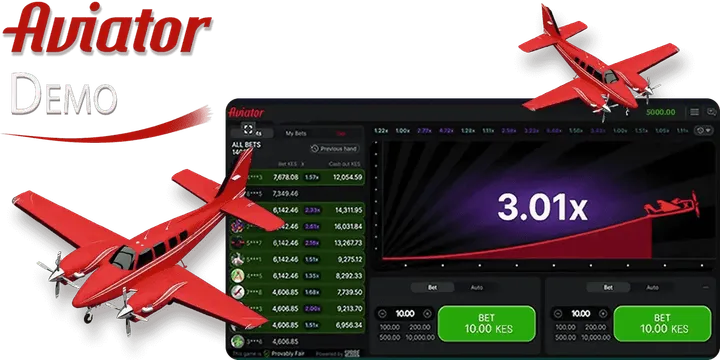
What is the SPRIBE Aviator demo?
The SPRIBE Aviator demo is a browser-based practice version of the crash game. Every round starts with a countdown. Once the plane takes off, the multiplier begins to rise. A virtual stake earns a return if the game accepts your Cash Out before the plane leaves. If the flight ends first, the stake is deducted from your practice balance.
The demo makes it easier to connect what you see in the animation with what happens in the betting panel. You can watch which controls are available before take-off, see when Cash Out becomes active and check what the game records once the round closes. For a broader explanation of the game and its features, start with our Aviator game guide for India.
How to open the Aviator demo online
Start with the demo button above. Depending on how the game opens on your device, you may see it inside this page or in a separate browser tab. Give the game time to display the countdown, betting panel and balance. Those three elements are more useful for checking that the game is ready than the presence of the plane graphic alone.
- Check the game name and source. Look for Aviator and SPRIBE on the launch page or in the game information.
- Confirm that you are in practice mode. Look for a Demo or Fun Mode label, then check how the session describes its balance.
- Watch a round. Follow the countdown and see what happens when the plane leaves. Let the next countdown begin before entering a stake.
- Use a small virtual stake. Read the amount shown in the active panel and confirm it during the countdown.
- Check the result. After you tap Cash Out, look for the accepted multiplier or credited amount. If the round ends first, check how the missed exit appears.
If the window opens on a registration, deposit or payment screen, return to the demo launcher and check the link destination. Screens with similar game artwork can lead to different sessions. Our Aviator real-or-fake guide explains how to check the game provider and the page that hosts it.
Android, iPhone and desktop
On Android, open the demo in your usual browser. If you arrived through a messaging or social app and the game stalls in its preview window, reopen the same page in the browser. On iPhone, try Safari directly and scroll until both the countdown and the betting controls are visible. A desktop browser gives you more space to read the betting panels and history side by side when both are available.
Before starting on a phone, find the Cash Out button and the area where the return appears. If the controls are cut off, try landscape mode or the game’s full-screen button when available. Read our Aviator app and mobile browser guide for more on download links and mobile access.
Aviator demo account, starting balance and INR
An Aviator demo account usually refers to the temporary practice balance assigned to a session. The starting amount and whether that balance persists after a refresh depend on the launcher. Check the balance before your first round. If you are comparing results across two sessions, record each starting amount, especially after switching browsers or reopening a tab.
Players in India often look for an Aviator demo in INR because a rupee display feels familiar. The launcher used for this page is configured with USD. A currency symbol on a practice screen is a display setting. A demo amount shown in rupees or dollars still represents virtual credits when the session is running in demo mode.
For example, a display of ₹500 can represent 500 practice units. If a 10-unit stake returns 16 units, your practice balance increases by 6 units. Treat the figures as a running total inside the game and check the session label whenever you follow a new link or switch to another version.
What to do during your first demo round
Use the first flight to learn the sequence. During the countdown, find the stake field and observe when the betting panel changes state. After take-off, watch the multiplier and find the Cash Out control. At the end, find the final multiplier. A short round can show all three stages in quick succession, so watch another flight if you miss a change.
For your first active round, use one panel and leave automatic settings switched off. Enter a small virtual stake during the countdown, then confirm that it appears as active. Once the flight starts, try a manual exit. Look for a successful result in the panel or round record. If the round ends while you are waiting, check the balance and keep the next stake the same so you can compare the two outcomes.
Look at your own entry in the round record if the game also shows a list of other bets. The large multiplier in the animation is the current or final value for the flight. Your personal return uses the multiplier accepted when your Cash Out was processed. The step-by-step Aviator rules guide explains the full round sequence and the controls you may see in the betting panel.
How to read a demo Cash Out result
Multiply the virtual stake by the accepted Cash Out multiplier to get the total credited amount. That total includes the original stake. To find your balance change, subtract the stake from the credited amount. When the flight ends before an exit is accepted, your return for that stake is zero.
| Example with a 10-credit stake | Credits returned | Net change |
|---|---|---|
| Cash Out accepted at 1.30× | 13 | +3 |
| Cash Out accepted at 1.60× | 16 | +6 |
| Cash Out accepted at 2.00× | 20 | +10 |
| Flight ends before Cash Out is accepted | 0 | −10 |
Suppose you start with 100 credits. A 10-credit stake leaves 90 available while the round is active. An accepted exit at 1.60× returns 16 credits, giving you a balance of 106. A missed exit on the next round with the same stake brings that balance to 96. The two examples show how one credited round and one lost stake add up over a session.
You may see the plane reach a higher multiplier after you close your position. If the game accepted your exit at 1.60× and the flight ended at 3.20×, your result stays at 1.60×. Use your accepted multiplier to check the balance and the final flight multiplier to read the round history.
What Auto Cash Out and the second panel do
If your demo version offers Auto Cash Out, set a target before confirming a virtual stake. The setting asks the game to close that position automatically if the round reaches the target. A flight can end earlier, in which case that position loses its stake. Check the target shown on the active panel before the countdown expires.
Auto Play is a separate setting that can place stakes automatically according to the selected options. When you want to see the effect of one Auto Cash Out setting, use a single entry and check the result before moving on. Our Aviator Cash Out guide covers the manual and automatic controls in more detail.
Some layouts let you enter two stakes on the same flight. Both panels follow the same plane and its multiplier, and each stake has its own outcome. For example, one 10-credit stake could close at 1.30× and return 13 credits. If the second 10-credit stake stays active until the flight ends, it returns zero. The combined return is 13 against the 20 credits initially staked, for a net change of −7.
Aviator demo mode versus a real-money session
Both versions can show a countdown, a climb and a Cash Out button. The balance and the terms of the session tell you what those controls apply to. Check the mode when you open the game, especially after a link sends you to a new tab or asks you to sign in.
| What to check | Aviator demo or Fun Mode | Real-money session |
|---|---|---|
| Balance | Virtual credits for practice | Funds held in an operator account |
| Stake | Deducted from the practice balance | Deducted from the money balance |
| Cash Out during a round | Credits a successful demo return | Settles the individual wager |
| Withdrawal | Practice credits stay in the demo | Separate account process, subject to applicable rules |
| Why use the screen | Learn the controls and read round results | Place a wager involving money |
The distinction matters because Cash Out is also a common term for withdrawing money from an account. In Aviator, the in-round button closes an active position. In a demo, the result goes back to the practice balance. For the Indian legal context around online money games, see our guide to Aviator’s legal status in India.
What to do if the Aviator demo is not loading
Start by opening the provider’s demo from a normal browser tab. If that works and the embedded version remains blank, use the provider tab for the session. If both views are blank, check the connection and retry once. A stalled frame, expired session and partial mobile layout can look similar at first, so use what appears on screen to choose your next step.
| What you see | What to check |
|---|---|
| Blank frame inside the guide | Open the provider demo from its game page in a separate browser tab. |
| Loading screen that stops progressing | Check your connection and reopen the launcher to start a fresh session. |
| Plane appears but controls are cut off | Scroll within the game window, try landscape mode or open the full browser view. |
| Balance changes after a refresh | Confirm the mode again and check whether the game started a new practice session. |
| Page asks for an APK or payment details | Return to the browser demo and check the source of the destination page. |
If a connection drops during a practice round, check the round record or balance after the browser reconnects. The animation can stop updating before you see what happened. The result shown by the game after reconnecting is the place to check whether your exit was accepted.
What you can learn from a short practice session
Choose one thing to observe per round. Watch the countdown first, then compare the outcome of a confirmed manual exit with a missed exit. If your session has Auto Cash Out, try that control in a separate round. At the end, check whether you can explain each change in the balance using the stake and recorded multiplier.
The round history is a record of completed flights. A run of short flights followed by a longer one gives you examples of how the interface behaves at different speeds. Use it to review which controls were available, what your own result shows and whether you read the balance correctly. That is the practical value of a demo session, even if you only watch a few rounds.